


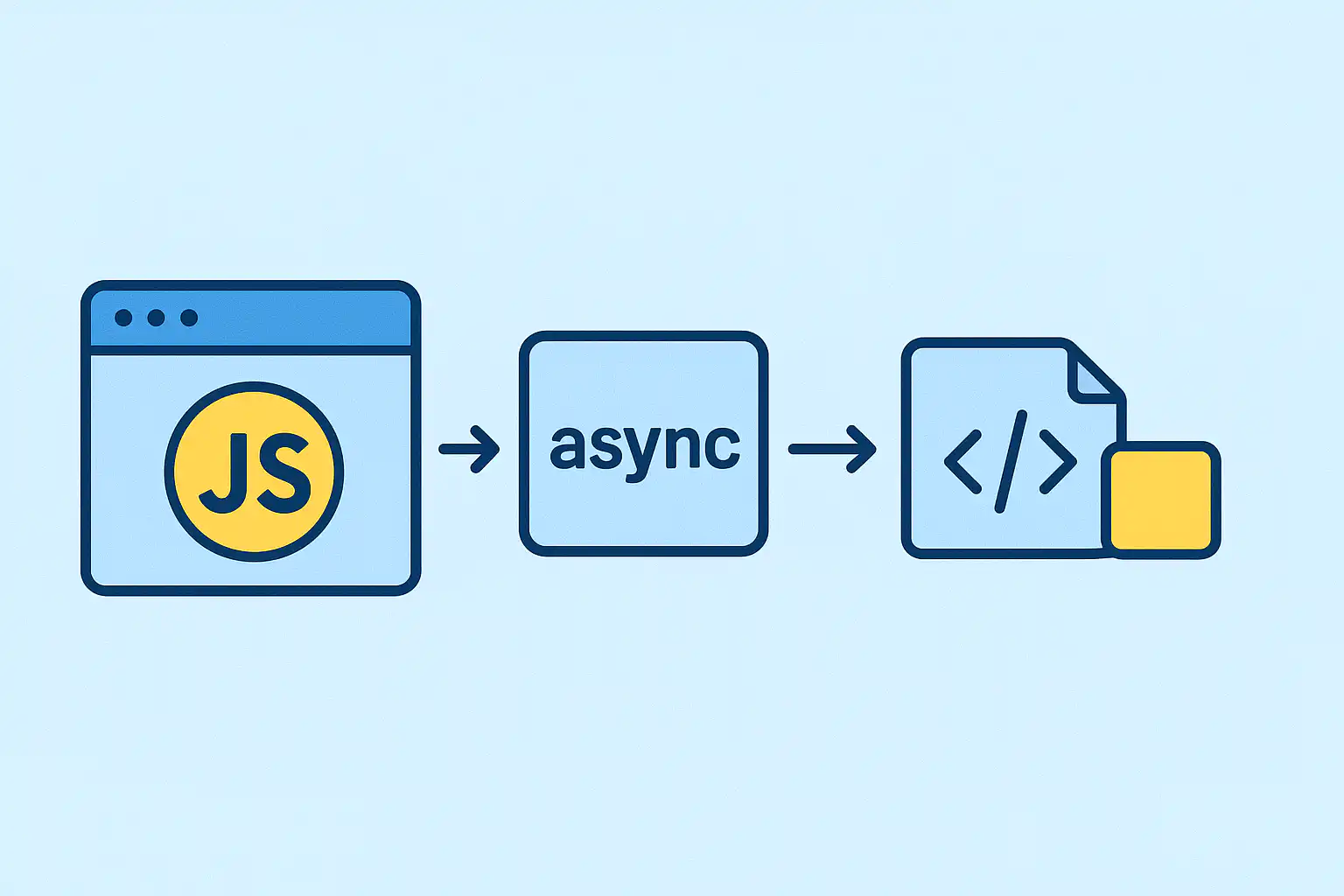
Alright, let’s be real for a second—your WordPress site probably isn’t winning any speed awards right now. And yeah, that slow load time? It’s probably costing you visitors. I don’t blame anyone for clicking away; I mean, who waits more than three seconds for a page to pop up anymore?
The usual culprit? JavaScript in WordPress. Those files can act like speed bumps, forcing your browser to hit the brakes while they load and run. Ever stared at a blank white screen, wondering if the page is broken or if your internet’s having a fit? Yep, that’s usually these sneaky scripts holding things hostage. The good news? Optimizing JavaScript in WordPress can turn this around completely.
But hey, don’t sweat it—you don’t have to be a coding genius or some kind of hacker to fix this. A few tweaks here and there, telling your scripts when to show up and do their thing, can make a surprisingly big difference. Sometimes you’ll see your site feel way snappier by the end of the day. Cool, right?
Let me walk you through async, defer, and module loading—the “secret sauce” for making your WordPress site faster without all the usual tech headache.
Why Should You Even Bother With JavaScript Loading?
Here’s the thing: speed isn’t just some fancy tech buzzword—it’s a real deal breaker for websites. Research (yeah, real studies) shows that if your page lags even by one second, you might lose about 7% of your visitors who would’ve bought, signed up, or clicked something.
And Google? They straight-up reward sites that load fast. There’s this thing called Core Web Vitals (don’t worry, no tests here), and it boils down to these:
- First Contentful Paint (FCP): When your visitors first see anything on the page
- Largest Contentful Paint (LCP): When the main stuff finally appears
- First Input Delay (FID): How fast your site responds when someone tries to click or scroll
If your JavaScript hogs the stage and slows those down, well, folks get impatient—and you lose. That’s exactly why you need to optimize JavaScript in WordPress to keep visitors happy.
Async vs. Defer: Think of It Like Traffic Lights for Your Scripts
Imagine your JavaScript files as cars stuck at a busy intersection. Async and defer? Yup, they’re the traffic signals, deciding who goes and when.
Async basically yells, “Move as soon as you’re ready!” Scripts download and jump right in whenever they can. It’s fast but can mess with the flow if order matters—like drivers who just dart through without stopping.
Defer is the patient one: “Hold up, wait till the whole page loads.” Scripts quietly download but only run after everything else is in place, going in the order they’re supposed to. No accidents, just smooth sailing.
When Should You Use Async… or Defer?
Here’s the quick-and-easy version:
- Go async for stuff like Google Analytics, ads, or social widgets. These guys do their own thing and don’t really need to wait for others.
- Use defer for scripts that rely on the page or each other—like sliders, form validation, or jQuery. These little divas need the whole stage set before they perform.
If you’re ever on the fence, defer’s usually the safer bet. Fewer surprises that way.
How to Actually Use Async and Defer in WordPress
Not a fan of code? No worries.
There are plugins like WP Rocket, Autoptimize, or Async JavaScript that make the job simple. Install. Turn on async or defer settings. Then—this part’s important—test your site. Because sometimes stuff breaks (more on that soon).
Wanna dive into the code pool?
If you’re comfy with PHP and have WordPress 6.3 or higher, you can enqueue your scripts with async or defer like this:
php
// Defer example: good when script needs the page ready
wp_enqueue_script(‘my-theme-script’, get_template_directory_uri() . ‘/js/script.js’, [], ‘1.0’, [‘strategy’ => ‘defer’]);
// Async example: for independent scripts
wp_enqueue_script(‘analytics’, ‘https://example.com/analytics.js’, [], null, [‘strategy’ => ‘async’]);
Older WordPress versions? No shame sticking to plugins unless you want to fiddle with functions.php for adding async/defer manually.
A Few Tricky Bits Worth Your Attention
jQuery’s a tricky beast. Tons of themes and plugins rely on it, and deferring jQuery without careful testing can break your site. Ever lose your slider or menus? That’s often jQuery gone rogue. The safe bet: skip optimizing jQuery or defer it and all scripts that depend on it, but only if you’re ready to test like mad.
Inline scripts (the code stuck right in your HTML) usually won’t defer. You can try moving them to external files or use the newer “module” script tags (<script type=”module”>), which defer by default. Might sound geeky, but it’s worth learning.
Load the important stuff first. Navigation menus, hero sections, critical form validations—these should come early so visitors can interact fast. Social buttons, ads, and the like? Push those further down the line.
Testing Like Your Site’s Life Depends on It (Well, It Does)
Make no mistake: after changing anything, testing is non-negotiable. Broken forms or invisible sliders kill your visitors’ trust.
What to do?
- Run Google PageSpeed Insights before and after to see your actual gains.
- Click all your buttons, test forms, open sliders. Don’t just skim.
- Open your browser’s Console tab (right-click → Inspect → Console) to catch hidden JavaScript errors.
- Check your site on different devices—especially mobiles. Speed hits worst there.
No shame in rolling back changes if something breaks—better safe than sorry.
What Results Can You Expect? Spoiler: Pretty Good!
If you nail this, typical wins include:
- 30–50% quicker rendering of page content
- 15–30% faster total page load
- Happier visitors who stick around longer
- More engagement and sales conversions
- Higher Google rankings and better PageSpeed scores
All for a few smart changes? Sounds like a no-brainer to me.
Wrapping It Up: Take Baby Steps, Stay Curious
Look, I know this stuff can feel a bit… much. But you don’t have to overhaul your entire site in one weekend.
Start small: install a plugin, try deferring a couple of scripts, then test. Rinse and repeat. The beauty of learning to optimize JavaScript in WordPress is that even small changes can deliver impressive results.
Keep an eye on updates—web tech doesn’t stay still. HTTP/3, WebAssembly, and Service Workers are cooking up new ways to speed things up, and staying informed keeps you ahead.
Faster sites = happier visitors, better SEO, and (hopefully) more business. Win-win-win.
If you want, I can help you through specific steps or troubleshoot. Just give me a shout. Thanks for sticking around! Hope this helps you kick your WordPress site’s speed into high gear without the headaches.




