| The best Learndash customization is the kind that makes your LMS feel “operational,” not “plugin heavy.” The right Learndash customization tools help you: automate enrollments and next steps, sell and manage cohorts, improve completions, get clean reporting, and track advanced learning data when needed. Below is a tool-to-outcome map, the best tool stacks by business model, and a 5-minute scoring guide to pick what you actually need. |
If LearnDash is already running, you’re past the “how do I build a course” phase.
You’re in the phase where the LMS needs to behave like a system:
- Learners get guided without hand-holding
- cohorts run without constant admin involvement
- Reporting answers to day-to-day questions
- Progress and completions don’t rely on luck
That’s what “advanced workflows” really means.

What counts as an “advanced LearnDash workflow”?
You’re in advanced workflow territory if you need any of these outcomes consistently:
- Automation: “When a learner does X, do Y automatically.”
- B2B/cohorts: seat sales, delegated group leaders, reporting by cohort
- Retention: reminders based on inactivity, progress, quiz results
- Reporting: dashboards you can use without exporting data every time
- SCORM/xAPI tracking: deeper tracking for packaged content
- UX control: course pages feel polished and consistent
Keep those outcomes in mind. They’ll guide your tool choices.
Quick sanity check (before you add anything)
This prevents most “we installed 12 plugins, and now nothing is clear” situations.
- What’s your one primary outcome? (automation / B2B / retention / reporting / SCORM / UX)
- What’s your one bottleneck right now? (admin time / drop-offs / reporting blind spot / sales complexity)
- What controls access today? (WooCommerce OR membership OR CRM tags — pick one)
If you are struggling with your course website, connect with us today to get a free audit.
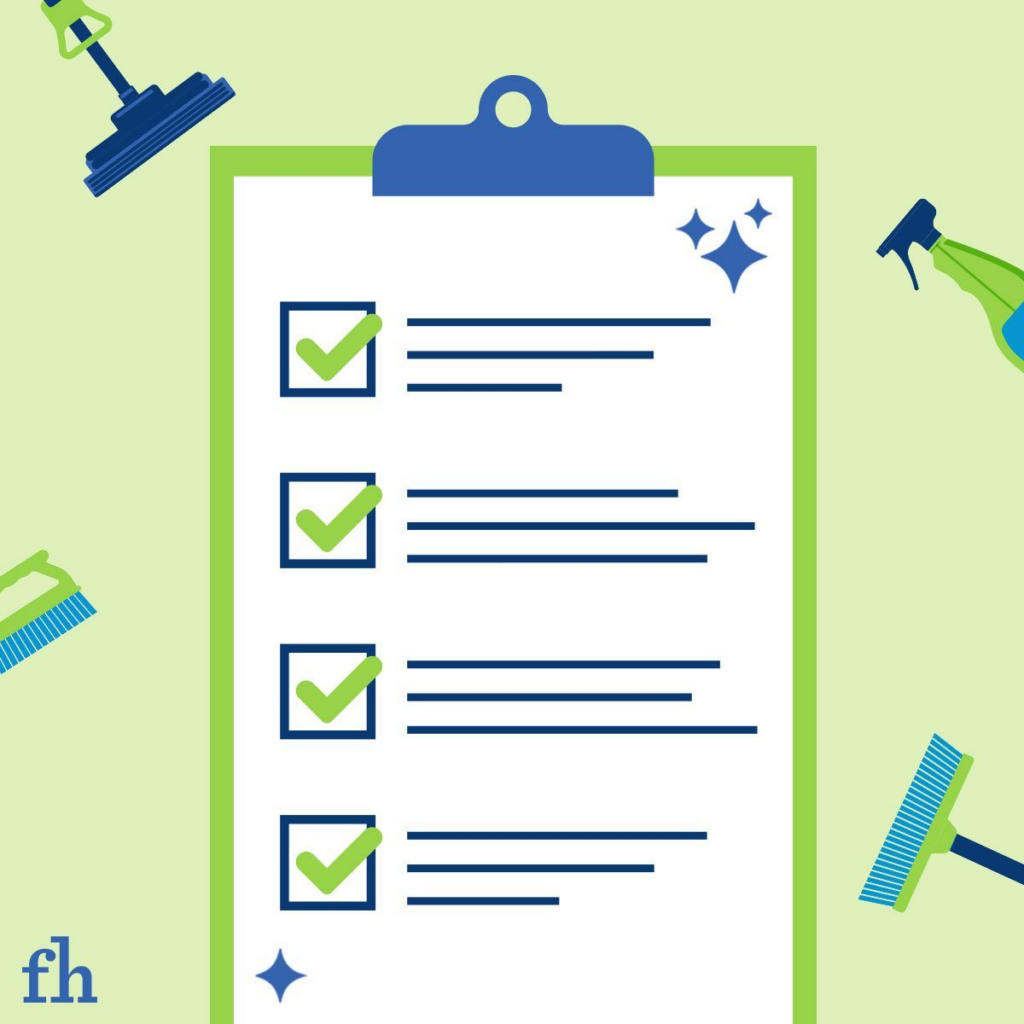
Tool-to-outcome map (start here)
| Your outcome | Best-fit tools | Why it matters |
| Automate enrollments, actions, and handoffs | Uncanny Automator (learndash.com) | Reduces manual work and makes common workflows repeatable. |
| Sell seats / run cohorts/delegate group leaders | LearnDash Groups Management (learndash.com) | Adds structure for B2B training: seats, groups, leaders, oversight. |
| Improve completions (nudges + follow-ups) | LearnDash Notifications (learndash.com) | Helps learners stay on track without manual chasing. |
| Operator-level reporting | ProPanel (learndash.com) | Makes reporting usable day-to-day (not just “available”). |
| CRM-driven personalization | WP Fusion (wpfusion.com) | Connects course behavior to CRM tags, access, and campaigns. |
| SCORM/xAPI tracking | Tin Canny Reporting (uncannyowl.com) | Adds deeper tracking for packaged content and reporting. |
| Better LearnDash UI without heavy dev | Design Upgrade Pro for LearnDash (escapecreative.com) | Improves course UI consistency fast. |
| Practical UX improvements bundle | Uncanny Toolkit (wordpress.org) | Removes common friction points with ready modules. |
| Membership-based access | MemberPress + LearnDash (learndash.com) | Makes memberships the access rule system. |
| Community layer | BuddyBoss + LearnDash (buddyboss.com) | Adds group/community patterns around learning. |
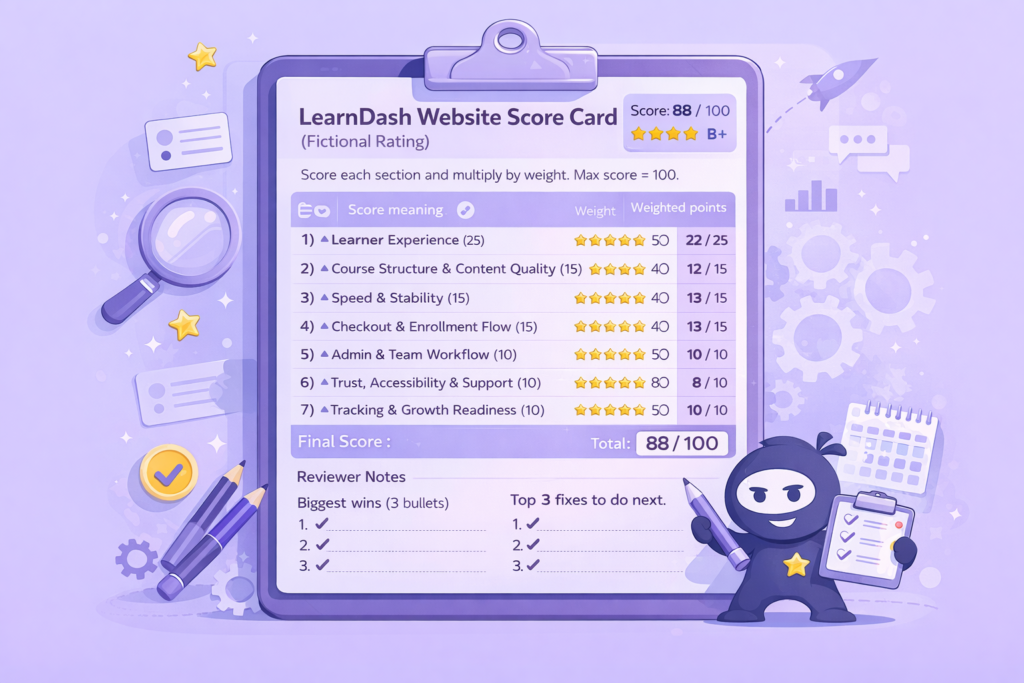
5-minute scorecard: what does your LMS actually need?
Rate each 1–5. Total out of 40.
| Category | Score (1–5) | Quick test question |
| Outcome clarity | Can you describe the learner journey in one sentence? | |
| Automation readiness | Are repeat tasks automated? | |
| B2B readiness | Can group leaders manage without admin help? | |
| Retention system | Do learners get nudges based on progress/inactivity? | |
| Reporting visibility | Can you see who’s stuck without exporting data? | |
| Personalization | Does behavior trigger CRM tags/access changes? | |
| SCORM/xAPI depth | If you use packages, can you track them properly? | |
| Learner UX | Do course pages feel consistent and easy to follow? |
Interpretation
- 0–18: Fix structure + access rules first
- 19–30: Add one system tool + one supporting tool
- 31–40: Add advanced automation/personalization safely
Scored 22? Start with ProPanel (reporting visibility) + Notifications (retention). Skip SCORM tools and CRM integration until completions improve.
The Tools Explained :
1) Uncanny Automator — for automation that saves time
This is for the moment you say, “We keep doing the same thing over and over.”
LearnDash also highlights workflow automation with Automator. (learndash.com)
High-impact workflows
- Purchase → enroll → onboarding email → tag user → notify team
- Lesson complete → unlock next step → send next-step email
- Quiz fail → assign remediation lesson → notify instructor
Quick win checklist (automation)
- Auto-enroll on purchase or form submit
- Inactivity reminder at day 3 / day 7
- Quiz fail follow-up with next step
- Course completion → next course recommendation
- Completion → review/testimonial request
2) LearnDash Groups Management — for B2B cohorts and seat sales
If you’re selling training to teams, Group Management brings structure for group workflows. (learndash.com)
What improves
- less admin bottleneck
- clearer ownership for group leaders
- reporting by cohort becomes realistic
3) LearnDash Notifications — for completions and retention
Notifications let you send messages based on LearnDash events and learner behavior. (learndash.com)
What to send
- gentle inactivity reminders
- “you’re close” nudges
- quiz fail → what to do next
- completion → next step CTA
Mini retention game (pick your problem)
- People don’t start → onboarding is unclear
- People stall mid-way → reminders, and next steps are missing
- People finish but don’t buy again → post-completion path is missing
4) ProPanel — for reporting, you can use daily
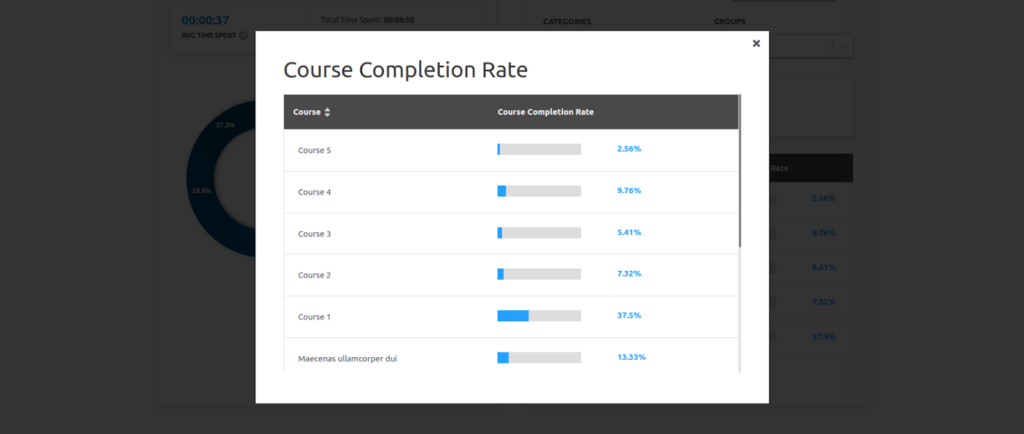
ProPanel adds reporting dashboards and visibility into activity and progress. (learndash.com)
If you’re managing cohorts, instructors, or multiple courses, this becomes less “nice” and more “necessary.”
5) WP Fusion — for CRM-linked learning paths
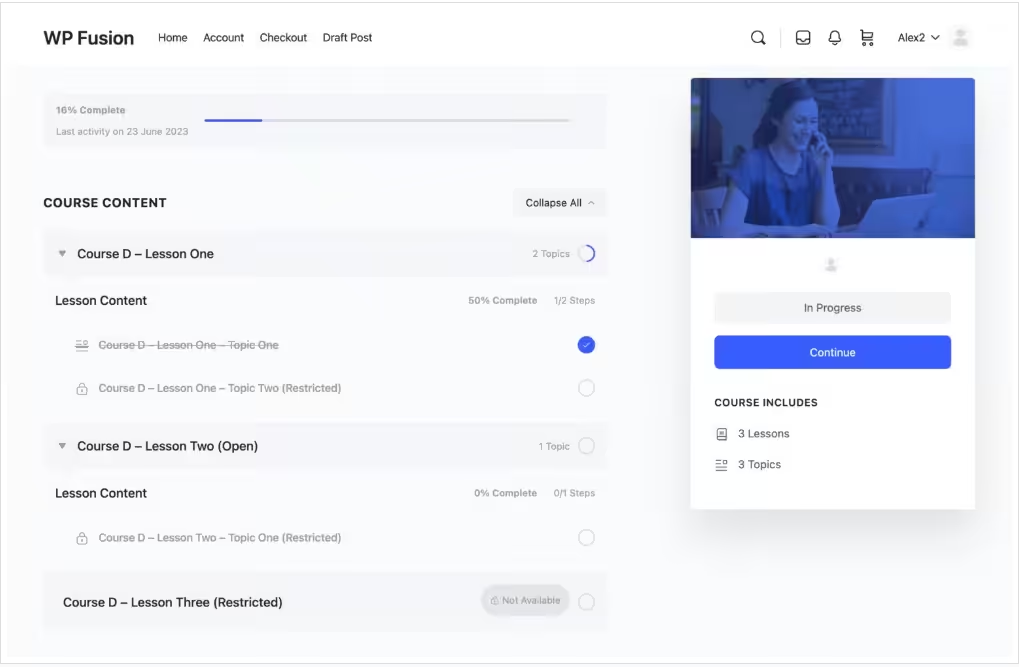
WP Fusion connects LearnDash activity to CRM tags and automation rules. (wpfusion.com)
Practical examples
- Completed module → apply tag → trigger upsell email
- Inactive learner → apply tag → send win-back sequence
- Tag added → grant access to a course or group
Safety checklist (CRM + access rules)
- Choose one access “truth” (membership OR Woo OR CRM tags)
- Keep tags consistent (avoid “Course1Complete” vs “course_1_done”)
- Test with a dummy account before rollout
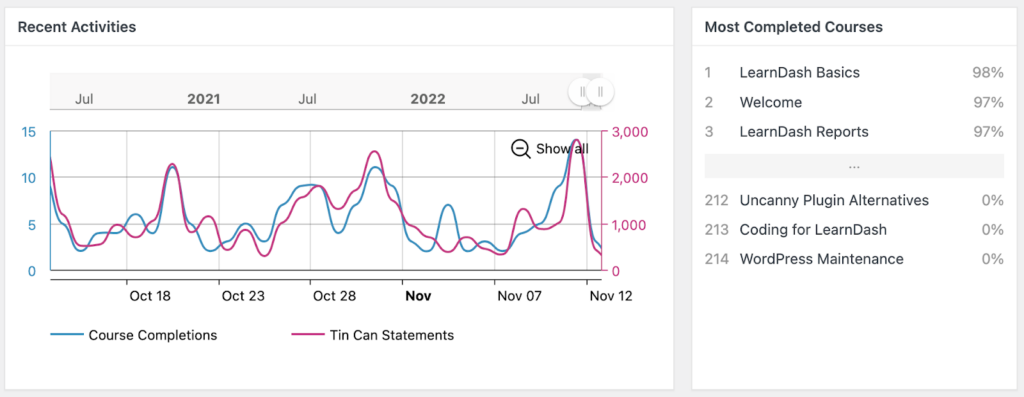
6) Tin Canny Reporting — for SCORM/xAPI tracking
LearnDash notes SCORM/xAPI typically requires third-party add-ons. (learndash.com)
Tin Canny provides SCORM/xAPI reporting and tracking tools. (uncannyowl.com)
If you’re doing compliance training, packaged content, or formal tracking, this is often the missing piece.
7) Design Upgrade Pro — for a cleaner course UI quickly
Design Upgrade Pro gives styling controls for LearnDash so the UI looks consistent without rebuilding your theme. (escapecreative.com)
8) Uncanny Toolkit — for small UX fixes that reduce friction
Uncanny Toolkit adds practical modules to improve the learner experience. (wordpress.org)
This is useful when you keep running into “little UX issues” that add up.
Best stacks by business model (minimum effective)
Course business (sell + retain)
- Notifications + ProPanel
- Optional: Design Upgrade Pro
B2B / corporate training (cohorts + reporting)
- Groups Management + ProPanel
- Optional: Tin Canny (if you use packaged content)
Marketing-led academy (CRM + automation)
- WP Fusion + Automator + Notifications
Order of implementation (so things don’t get messy)
- Lock course structure + access rules
- Add reporting visibility (ProPanel)
- Add retention nudges (Notifications)
- Add automation (Automator)
- Add CRM personalization (WP Fusion)
- Add SCORM/xAPI tracking (if needed)
- Polish UX (Design Upgrade Pro / Toolkit)
Conclusion
The best LearnDash customization tools are the ones that reduce friction for learners and reduce work for your team.
Aim for outcomes:
- less manual admin
- scalable cohort delivery
- better completions
- reporting you can operate from
- deeper tracking when needed
- course UI that feels consistent
If you are struggling with your course website, connect with us today to get a free audit.
Read more
- LearnDash: E-learning automation with Uncanny Automator (learndash.com)
- WP Fusion: LearnDash integration documentation (wpfusion.com)
- LearnDash reporting plugins guide (wisdmlabs.com)
- Wisdm LearnDash plugins recommendation guide (wisdmlabs.com)