| If you need advanced customization, don’t choose a theme because the demo looks great. Choose a theme that works as a good base theme: lightweight, stable, easy to extend, and easy to maintain. Then invest in customization, reusable sections, custom templates, performance improvements, and integrations. That’s where a WordPress theme customization company (or a custom WordPress development company) makes the real difference: they help turn a “theme-based site” into a site that actually fits how your business sells, grows, and updates over time. |
Why “best theme” means something different in 2026
In 2026, most themes can make a website look decent.
The real question is:
Can your site handle change without becoming a mess?
Because real business websites change constantly:
- New landing pages
- New services
- New SEO pages
- New product lines
- New tools (CRM, booking, email marketing, analytics)
- New workflows for your team
A demo can’t tell you that. A good base theme can.
Who this guide is for
This is for you if:
- Your site is tied to revenue (leads, sales, bookings, subscriptions)
- You want pages to stay consistent, even when multiple people edit them
- You need custom layouts, custom templates, custom content types, or integrations
- You care about performance (speed, mobile UX, SEO)
If you just want a “nice-looking website” and won’t touch it much after launch, you don’t need this level of theme thinking.

The simple idea: theme is the base, customization is the advantage
A theme should do just enough:
- Give you a clean structure
- Help you keep a consistent design
- Stay fast
- Play well with plugins
- Not fight your changes
Customization is what makes the site yours:
- Your real user journey
- Your conversion flow
- Your page structure
- Your content types
- Your integrations
- Your performance setup
That’s how businesses stop looking like templates.
| The Theme Reality Check tool (Red flag vs Green flag) Use this once while shortlisting themes. Green flags (good base theme) 1) A theme is a good base if most of these are true: 2) Works well without importing huge demos 3) Pages stay consistent (spacing, buttons, fonts don’t drift) 4) You can build pages using blocks and reusable sections 5) Headers/footers are flexible (not locked into a theme-only system) 6) Blog/page templates are easy to understand 7) Stays fast before adding marketing tools 8) Works well with WooCommerce / LMS / membership plugins 9) Updates feel safe (you’re not scared of pressing “update”) Red flags (you’ll pay later) 1) Be careful if you see many of these: 2) Theme sells itself mainly with “100s of demos” 3) You need lots of plugins just to match the demo 4) Editing feels messy (shortcodes everywhere, unclear structure) 5) Too many settings and it’s confusing 6) The mobile menu is limited and hard to control 7) WooCommerce layouts feel locked 8) It feels slow even before you add anything 9) Small changes quickly become developer-only tasks Simple rule: Mostly green flags → good base. Lots of red flags → skip it. |
Best WordPress themes for 2026 for advanced customization
These themes aren’t listed because they have the most demos.
They’re listed because they’re commonly used as a clean base for serious work.
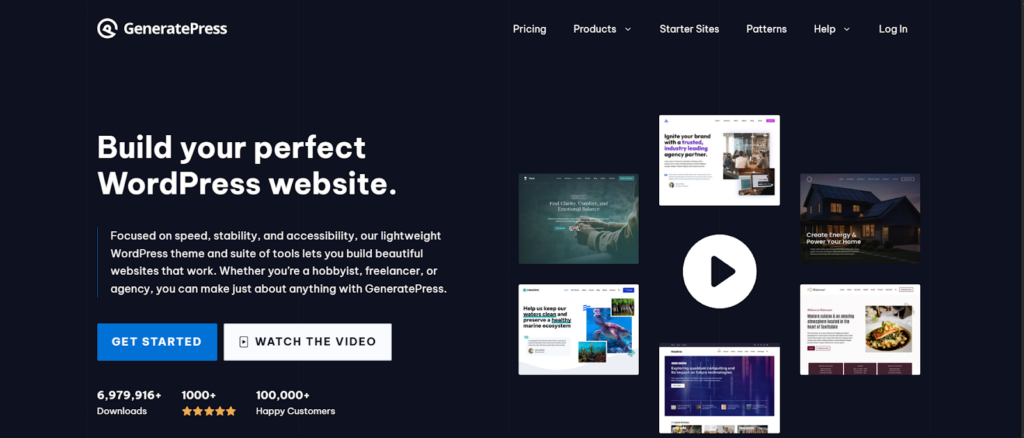
1) GeneratePress
Why people use it as a base: Lightweight and performance-friendly, often mentioned in speed-focused theme testing lists.
Best for: Businesses that care about speed and want clean customization later.
Heads up: Fastest baseline performance (minimal code)
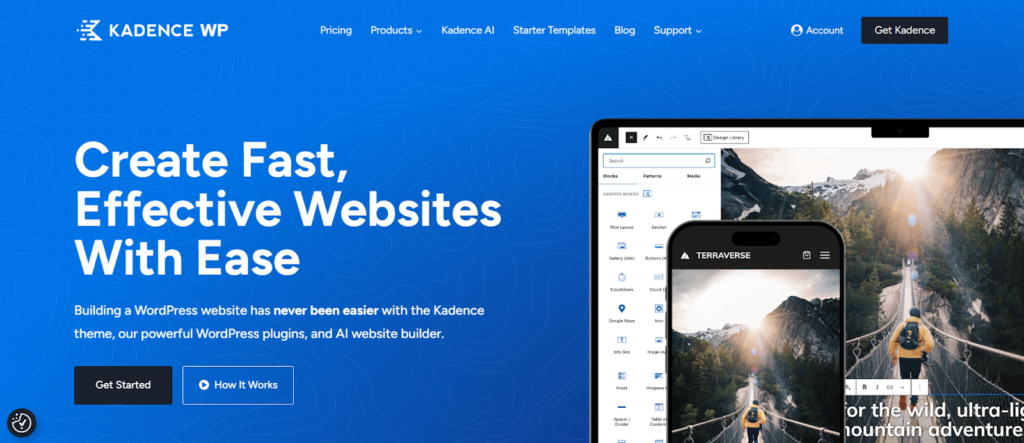
2) Kadence
Why people use it as a base: Flexible without instantly feeling heavy. Often included in “fast theme” comparisons.
Best for: Marketing teams that need flexibility, plus room for custom work later.
Heads up: Best balance of speed + built-in design tools
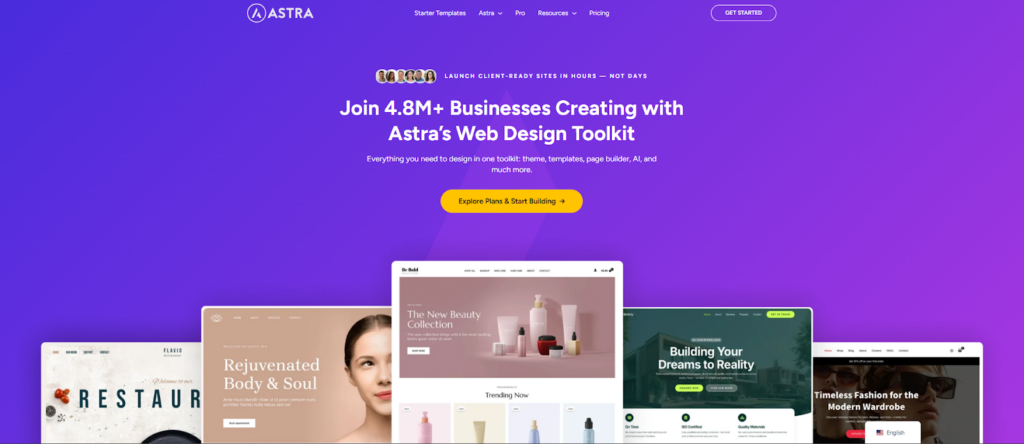
3) Astra
Why people use it as a base: Popular, widely compatible, and often compared against other lightweight themes.
Best for: Businesses that need broad plugin support (Woo, LMS, memberships).
Heads up: Strongest plugin ecosystem compatibility
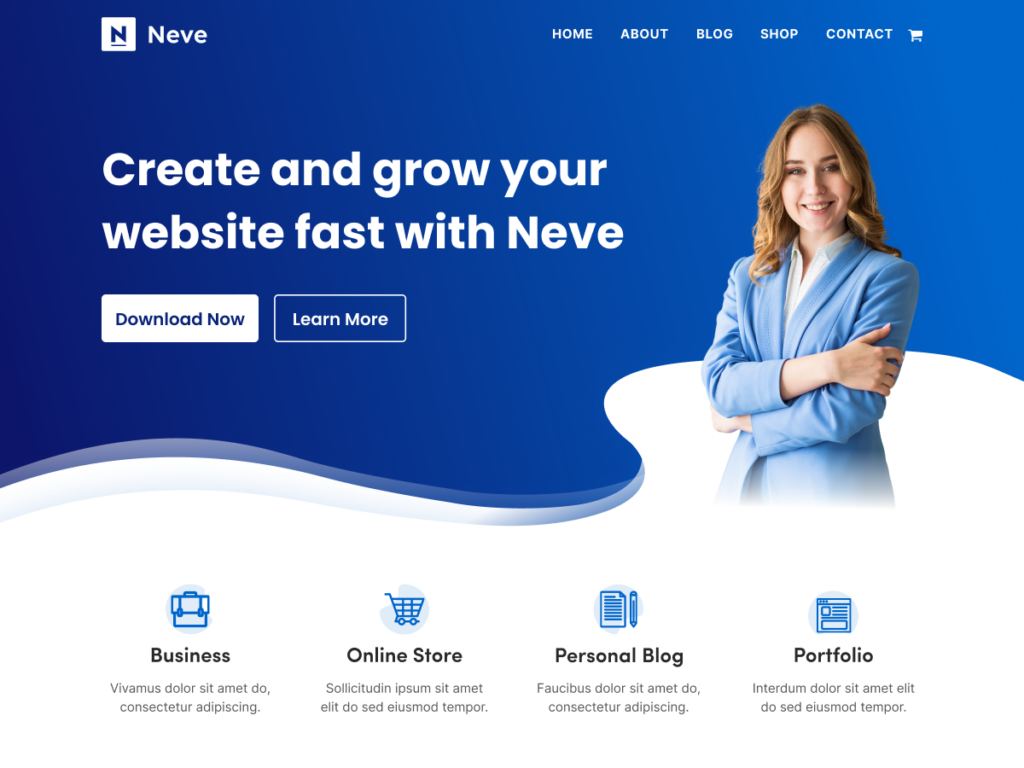
4) Neve
Why people use it as a base: Known for speed and often listed in performance-focused theme roundups.
Best for: Content-heavy businesses that want performance headroom for future features.
Heads up: Best for content-heavy sites (blog, resources)
5) Blocksy
Why people use it as a base: Modern layout control, and it is often discussed alongside other fast themes.
Best for: Brands and stores that want modern design while keeping customization possible.
Heads up: Most modern design options out of the box
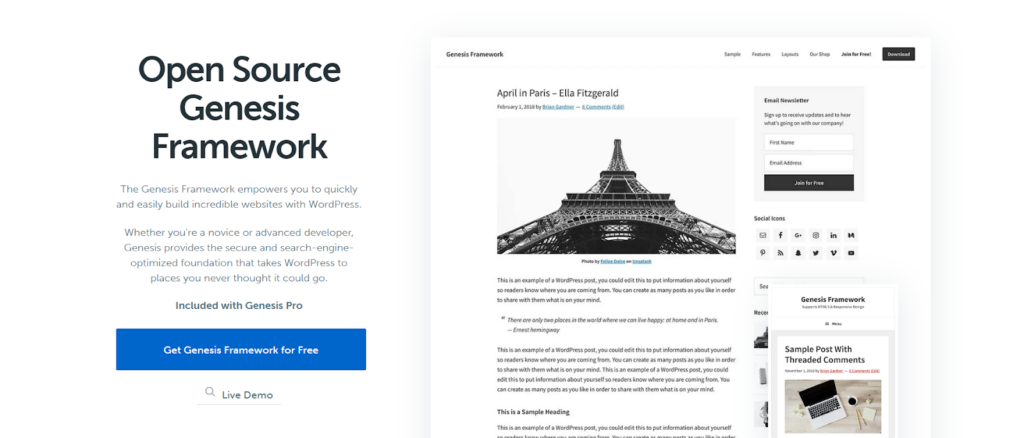
6) Genesis Framework
Why people use it as a base: More structured, dev-friendly approach for long-term stability.
Best for: Businesses that want a “build it once, maintain it properly” setup.
Heads up: Most stable for long-term maintenance
Quick picks by business type
- Service business (leads + trust + speed): GeneratePress / Kadence
- Content-heavy business (SEO + publishing): Neve / Kadence
- WooCommerce store (product UX + performance): Astra / Blocksy
- Very custom site (portals, dashboards, workflows): GeneratePress / Genesis (plus custom development)
The part that actually makes the site “custom”: what gets built on top
If you want advanced customization, the theme is only step one.
What usually makes the biggest difference is building:
1) Reusable sections (so pages don’t become messy)
Examples:
- Hero section formats your team can reuse
- Proof sections (numbers, logos, testimonials)
- Comparison sections
- CTA sections
- FAQ sections
This keeps editing fast and pages consistent.
2) Custom templates (so SEO and structure stay clean)
Examples:
- Service template (for every service page)
- Location template (for multi-location businesses)
- Case study template (so every case study looks consistent)
- Resource/blog template (so content scales without redesigning each page)
3) A performance plan (so the site doesn’t slow down later)
Most sites start fast… then marketing adds scripts.
A good build sets rules early:
- Limit heavy scripts
- Optimize images
- Lazy load properly
- Keep plugin count sensible
4) Integrations (so the site works like a business tool)
Examples:
- CRM (HubSpot, Salesforce, etc.)
- Booking tools
- Email automation
- Support/chat
- Analytics tracking (so you measure what’s working)
This is where a custom WordPress development company becomes useful: the theme doesn’t solve these things properly.
| Pick a custom WordPress theme when you keep saying things like: “This theme looks fine… but it won’t let us build the page the way we need it.” “We’re adding plugins just to fix tiny layout things.” “Mobile feels cramped and messy no matter what we try.” “The site is slow, and the theme is doing too much.” “Every new landing page turns into a mini project.” “The team is scared to edit pages because something always breaks.” “Our pricing/booking/checkout page needs to be perfect, not ‘close enough’.” Simple rule: If you’re redesigning for conversions + speed + control, and your theme is constantly making you compromise, go custom. |
Checklist: theme selection for advanced customization
Before you commit:
Structure
- Templates are easy to find and understand
- Header/footer are flexible
- No shortcode chaos
Editing
- You can build reusable sections
- Editors can update content without breaking design
Performance
- Theme feels fast even with real content
- Doesn’t require lots of plugins to look good
Future-proofing
- Adding new page types won’t be painful
- Updates won’t break everything
| A quick game: “Are you buying a demo or building a real site?” Take a theme demo you like and answer: What parts are generic? (hero, services grid, testimonials) What parts match your real sales process? (pricing logic, objections, proof, steps) If you swapped your logo on it today… would it still feel like you? If your answers are mostly “generic,” you’re buying a demo look not a business site. Better goal: List 5 reusable sections your business needs (not the theme). That list becomes your real plan. Share it with your developer before a redesign. |
Bonus tools that can make customization easier
- Query Monitor (helps find what’s slowing the site down)
- Redirection (helps manage SEO redirects during redesign)
- ACF / Meta Box (for structured content like locations, case studies, services)
- Caching/performance plugin (to keep speed stable as scripts grow)
- Local staging setup (test safely before going live)
Conclusion
The best WordPress theme for 2026 isn’t the one with the flashiest demo.
It’s the one that stays stable when you:
- Add new pages and templates
- Improve UX and conversion flows
- Integrate business tools
- Keep the site fast
- Scale content without breaking design
If you want this done properly, you don’t just need a theme, you need the right customization approach.