| ⚡What Are AI WordPress Developer Tools? AI WordPress developer tools help automate coding, debugging, testing, and site optimization tasks. They assist with: -Writing PHP or JavaScript faster -Detecting bugs automatically -Generating layouts and components -Testing site functionality across devices The result: faster builds, fewer bugs, and easier scaling for WordPress projects. |
In 2026, WordPress development won’t be about who can code faster. t’ll be about who knows how to work smarter.
The developers winning more projects, shipping cleaner builds, and scaling without burnout aren’t working longer hours. They’re using AI to handle the boring, repetitive, and error-prone parts of development—before those problems even reach production.
AI is no longer a “nice-to-have” experiment in WordPress workflows. It’s already writing cleaner code, spotting performance issues early, generating layouts in seconds, and turning vague client requests into structured solutions.
This isn’t about replacing WordPress developers.
It’s about removing friction—so you can build faster, ship better, and stop spending your nights fixing problems that AI could’ve caught in minutes.
Let’s break down six AI-powered WordPress developer tools that are already changing how websites are built—and will be impossible to ignore by 2026.
Related Read: AI-Powered WordPress Plugins: What’s New in 2026?
But before that, let’s understand how AI has changed the WordPress development ecosystem:
| How AI Changed WordPress Development in 2026 A few years ago, AI mostly helped with content generation.Today it supports the entire WordPress development lifecycle. Development Stage How AI Helps Coding Generates plugin functions and hooks Debugging Detects security issues and errors Testing Automates cross-browser testing Design Converts prompts into layouts Performance Suggests speed improvements New WordPress features even allow AI-assisted editing directly inside the site editor, letting users modify layouts and content through natural language prompts. |
GitHub Copilot
Think of GitHub Copilot as that senior developer you always wanted to sit next to you, except this one work 24/7 and never gets tired.
What It Does
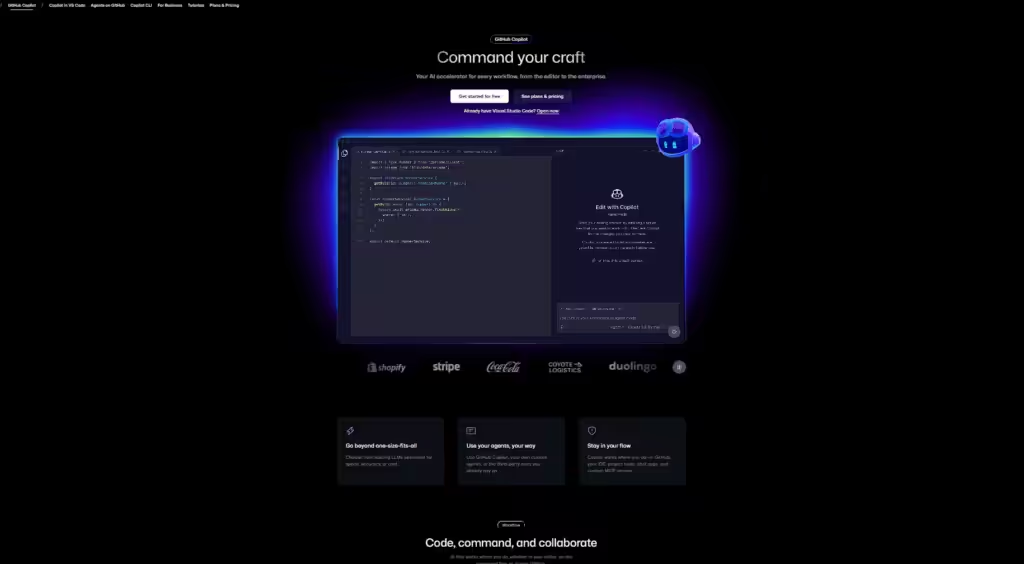
GitHub Copilot integrates directly into your code editor (VS Code, JetBrains, Neovim) and suggests entire functions, custom WordPress hooks, WooCommerce snippets, and plugin code as you type.
You start typing a comment like // Create custom post type for testimonials, and Copilot generates the complete function before you finish your coffee.
Best Used For
- Writing custom WordPress functions and hooks
- Creating plugin boilerplate code
- Building complex WooCommerce customizations
- Converting plain English comments into working PHP code
- Debugging existing WordPress code
Real example: One developer reported cutting their custom plugin development time from 8 hours to 3 hours using Copilot for repetitive code structures.
Cost
$10/month for individuals or $19/month for Copilot Pro with multi-model support.
Free for verified students and open-source maintainers.
Speed up your WordPress development–Get a free consultation today.
ChatGPT
ChatGPT isn’t just for writing blog posts. For WordPress developers, it’s become an indispensable troubleshooting assistant and code generator.
What It Does
GPT helps you solve complex WordPress problems by understanding context, debugging code, explaining errors, and even suggesting optimization strategies.
You can paste an entire plugin error log, describe what you’re trying to achieve, and get working solutions in seconds.
For more advanced workflows, you can also integrate your data with ChatGPT to provide personalized recommendations based on your site’s specific setup and content.
Best Used For
- Debugging complex WordPress errors and PHP warnings
- Writing custom SQL queries for WordPress databases
- Creating .htaccess rules and server configurations
- Explaining complicated WordPress codex functions
- Generating custom Gutenberg blocks
- Writing WordPress REST API endpoints
A study by GitHub showed that developers using AI assistants completed tasks 55% faster than those working without AI support.
Cost
Free tier available with limited access
$20/month for ChatGPT Plus with GPT-4o/GPT-4.5 access.
10Web AI Builder
Building a WordPress site from scratch used to take days of planning, designing, and coding. Not anymore.
What It Does
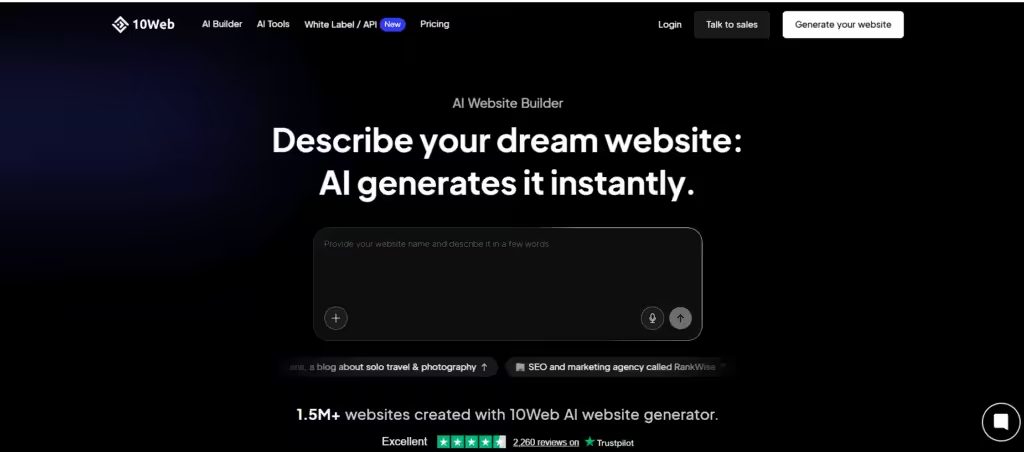
10Web’s AI Builder creates fully functional WordPress websites in under 10 minutes. You answer a few questions about your site’s purpose, industry, and style preferences—and the AI generates a complete site with pages, content, images, and even a matching color scheme.
But here’s what makes it powerful for developers: you get clean, customizable code that you can modify however you want. No bloated garbage. No mysterious black-box code.
Best Used For
- Rapid prototyping for client presentations
- Creating MVP sites for startups on tight deadlines
- Building foundation structures that you can customize further
- Testing design concepts quickly
- Creating multiple site variations for A/B testing
Cost
Plans start at $10/month for the basic AI builder.
Premium plans with advanced features go up to $60/month.
Need a custom WordPress solution built fast? Reach Out
Jasper AI
Every WordPress developer has been there. Your client needs content for 20 pages. You’re a developer, not a copywriter. And you’re definitely not getting paid enough to write it all yourself.
What It Does
Jasper AI generates SEO-optimized content specifically designed for WordPress sites. Product descriptions, landing pages, blog posts, meta descriptions—you name it.
The game-changer? Jasper understands WordPress SEO requirements and creates content that’s optimized for both search engines and readability.
Best Used For
- Writing product descriptions for WooCommerce stores
- Creating placeholder content for client demos
- Generating blog post drafts that clients can refine
- Writing meta descriptions and SEO titles
- Creating email sequences for WordPress email marketing plugins
According to Content Marketing Institute, 73% of B2B marketers now use AI tools for content creation, with WordPress sites being the primary platform.
Cost
Plans start at $39/month for the Creator plan.
Teams plan at $99/month includes collaboration features.
People Also Read: The Future of SEO: Why Every WordPress Developer Needs an AI-Driven SEO Course
Playwright with AI Testing
Here’s a nightmare scenario: You launch a client’s e-commerce site. Everything works perfectly on your test environment. Two hours after launch, checkout stops working for mobile users. Your client loses $5,000 in sales before you even know there’s a problem.

What It Does
Playwright is an automated testing framework that AI tools can now write tests for. You describe what you want to test in plain English, and AI generates the complete test suite.
It automatically tests your WordPress site across Chrome, Firefox, Safari, and mobile browsers—catching issues before they go live.
Best Used For
- Automated testing of WooCommerce checkout flows
- Testing form submissions and contact forms
- Checking mobile responsiveness across devices
- Validating WordPress plugin compatibility
- Running regression tests after updates
One agency reported reducing its bug reports by 67% after implementing AI-powered automated testing.
Cost
Playwright itself is free and open-source.
AI testing assistants like Testim start at $450/month but save thousands in debugging time.
Worried about site quality and bugs? Our WordPress retainer packages include ongoing testing, monitoring, and maintenance.
Rank Math with AI SEO
Building a beautiful WordPress site means nothing if nobody can find it on Google.
What It Does
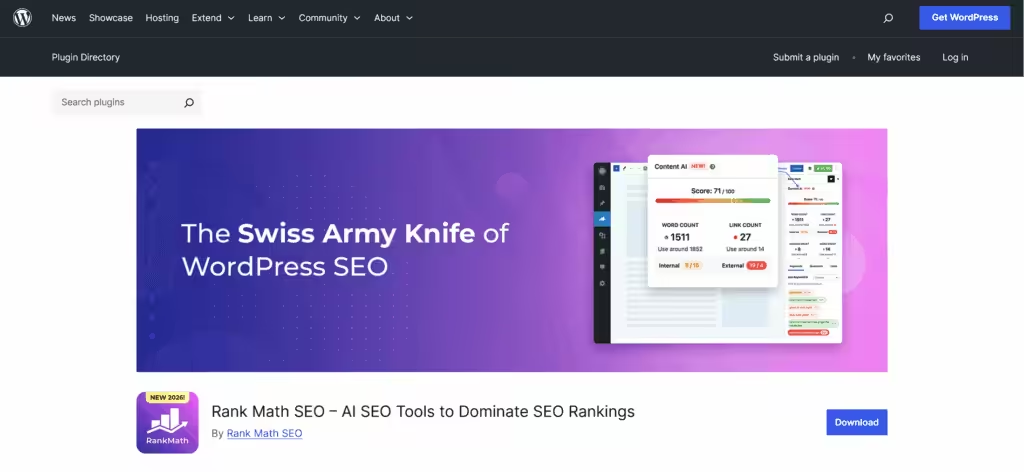
Rank Math’s AI SEO tools analyze your WordPress content in real-time and suggest improvements based on actual search engine algorithms and competitor analysis.
The AI assistant can rewrite your titles, suggest better meta descriptions, find content gaps, and even recommend internal linking strategies—all within your WordPress dashboard.
Best Used For
- Optimizing blog posts and pages for target keywords
- Generating schema markup automatically
- Finding and fixing broken links across your site
- Analyzing competitor rankings and content gaps
- Creating SEO-friendly URL structures
A case study showed sites using AI-powered SEO tools saw an average 43% increase in organic traffic within six months.
Cost
Free version available with core AI features.
Pro version starts at $59/year with advanced AI capabilities.
Check out: Interview with Sven Wagener – WordPress Developer and WordCamper!
Quick Comparison: WordPress Developer Tools for 2026
| Tool | Primary Use | Best For | Starting Cost | Key Benefit |
| GitHub Copilot | Code Generation | Writing custom WordPress code & plugins | $10/month | 55% faster development |
| ChatGPT | Problem Solving | Debugging & code explanations | $20/month | Instant expert assistance |
| 10Web AI Builder | Site Building | Rapid WordPress site creation | $10/month | Sites built in 10 minutes |
| Jasper AI | Content Creation | SEO-optimized WordPress content | $39/month | Professional content at scale |
| Playwright + AI | Quality Assurance | Automated testing across browsers | Free (core tool) | 67% fewer bugs reported |
| Rank Math AI | SEO Optimization | Search engine ranking improvements | Free (basic) | 43% traffic increase |
| Where to Start: Your First 30 Days with AI Tools If you’re adding AI to your WordPress workflow, the biggest mistake is trying too many tools at once.Start slow. Use them where they save time immediately. Build from there.Here’s a simple 30-day approach that fits into real, day-to-day WordPress work. Week 1: Use ChatGPT to Understand and Fix Code Faster Start with the free version.Use it whenever you’re stuck or unsure—just like you would search Google or Stack Overflow. How to use it A. Paste PHP errors or WordPress warnings and ask what’s causing them B. Ask it to explain code you didn’t write or don’t fully understand C. Draft small functions or logic before writing the final version yourself D. Break down unclear client requirements into technical steps Week 2: Add GitHub Copilot for Repetitive Coding Work Once you’re comfortable asking the right questions, bring AI into your editor. Copilot works best when you use it for routine tasks—not complex logic. How to use it A. Generate boilerplate for custom post types, hooks, and filters B. Write comments first and let Copilot suggest the structure C. Speed up repeated patterns you already understand D. Always review and adjust the output before committing Week 3: Improve Site Quality with AI SEO or Content Tools At this stage, shift attention from development speed to the final output. Choose one tool based on your role: Rank Math AI if you handle SEO and structure Jasper AI if you need content or placeholders for client sites How to use it A. Improve existing pages instead of creating everything from scratch B. Fill content gaps so sites don’t launch half-finished C. Fix missing meta titles, descriptions, and internal links Week 4: Use AI for Testing or Fast Prototyping (Optional) This step is optional, but useful if you manage multiple projects. Pick what fits your work: Use 10Web AI Builder for quick demos or early-stage builds Use Playwright with AI to test key flows after updates How to use it A. Create quick previews for client approval B. Test forms, checkout flows, and mobile layouts C. Catch problems before clients report them |
One Important Rule
AI should support your decisions—not replace them.
Use it to handle repetitive work, explain issues faster, and reduce friction.
You still decide what goes into production.
Developers who adopt AI this way don’t work longer hours.
They just spend less time fixing avoidable problems.
After 30 days, AI won’t feel like a “tool” anymore.
It’ll just feel like part of how you work.
Also Read: Hiring Dedicated WordPress Developers: A Smarter ROI Strategy for 2026
| Things to Do Before Using AI Coding Tools Before relying on AI tools in WordPress development: ✔ Understand the basic WordPress architecture ✔ Know the difference between themes, plugins, and hooks ✔ Use version control (Git) ✔ Test AI-generated code before deployment ✔ Avoid committing generated code blindly AI tools can speed development, but human review is still essential for security and performance. |
The Bottom Line: WordPress Development is Changing Fast
The WordPress developers winning projects in 2026 won’t be the ones writing every line of code manually or spending hours debugging simple issues.
They’ll be the ones leveraging these AI-powered WordPress developer tools to deliver better quality work, faster turnaround times, and more value to their clients.
The statistics don’t lie. Companies using AI SEO tools report 45% more organic traffic and 38% higher conversion rates. AI search visitors convert at 4.4 times the rate of traditional organic traffic.
Because here’s what really matters: your clients don’t care about how you build their sites. They care about results.
They care that their site launches on time. That it works perfectly. That it ranks on Google. That it converts visitors into customers.
The above-mentioned AI WordPress developer tools help you deliver exactly that—consistently and reliably.
The developers who adapt now will dominate the WordPress market in 2026. The ones who don’t, they’ll be competing on price alone. And that’s a race to the bottom nobody wins.
Want a WordPress site built by developers who use cutting-edge AI tools to deliver exceptional results? Hire our WordPress development team and experience the difference modern tools make.
The future of WordPress development is here. And it’s powered by AI.
| New AI Developer Tools Worth Watching Besides the tools listed above, developers are experimenting with: Cursor AI – AI coding environment with design editing Claude Code – advanced AI programming assistant Qodo – AI code review and testing platform that analyzes pull requests and CI pipelines. These tools are pushing development toward AI-assisted engineering workflows. |